How to find your Google review link: the complete guide
Learn how to easily find the direct link to your Google review page, share it with your customers and get more positive reviews.
Why have a direct link to your Google reviews?
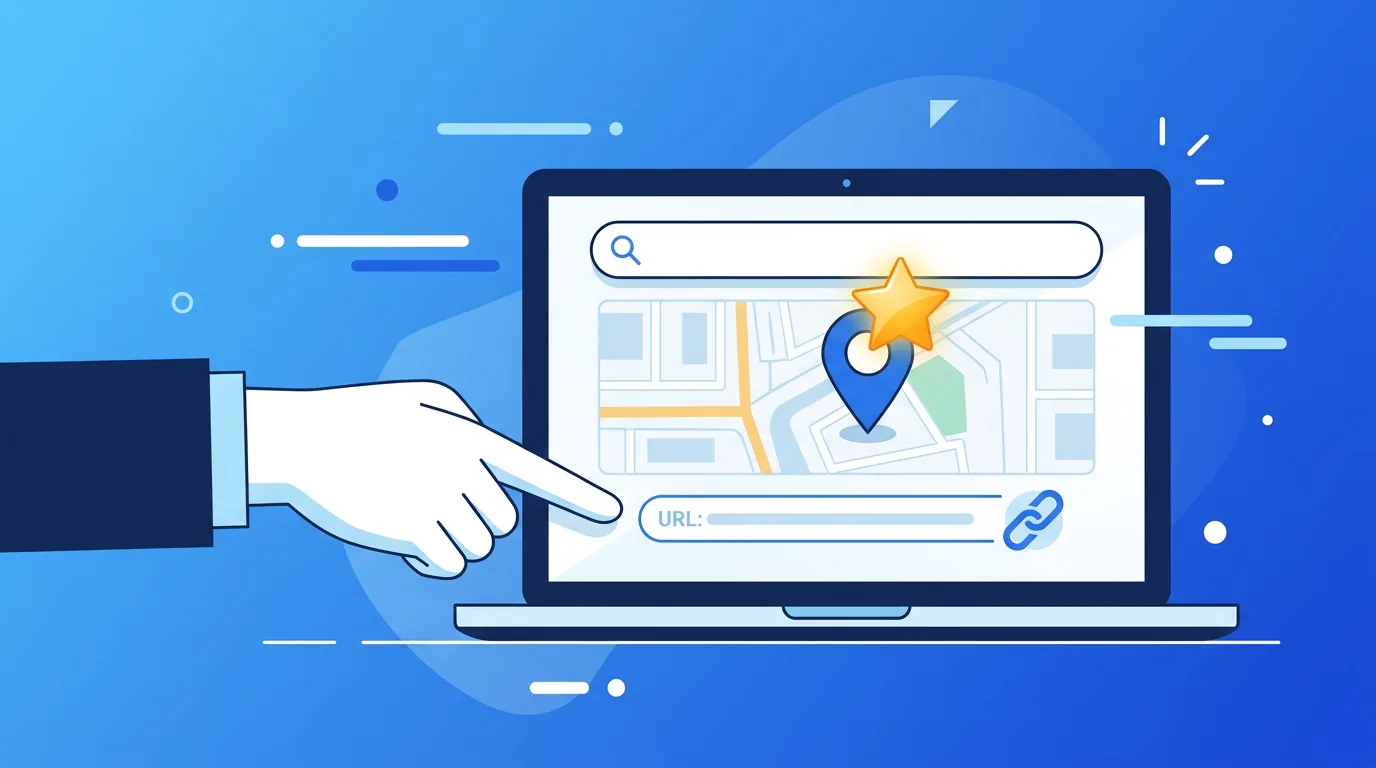
Getting Google reviews is essential for your online visibility. A direct link to your review page lets your customers leave a review in seconds, without having to search for your business.
Method 1: Via Google Maps
- Open Google Maps
- Search for the name of your business
- Click on your business listing
- Click on the number of reviews (e.g. "127 reviews")
- Click on "Write a review"
- Copy the page URL
Method 2: Via Google Business Profile
- Sign in to Google Business Profile
- Select your business
- In the menu, click on "Home"
- Look for the "Get more reviews" card
- Click on "Share review form"
- Copy the generated link
Method 3: Create a short link with your Place ID
The most reliable link uses your Google Place ID. Here's how to find it:
- Go to Google's Place ID Finder
- Search for your business
- Copy the Place ID (e.g. ChIJN1t_tDeuEmsRUsoyG83frY4)
- Create your link:
https://search.google.com/local/writereview?placeid=YOUR_PLACE_ID
How to use this link effectively
Once you have your link, here's how to put it to work:
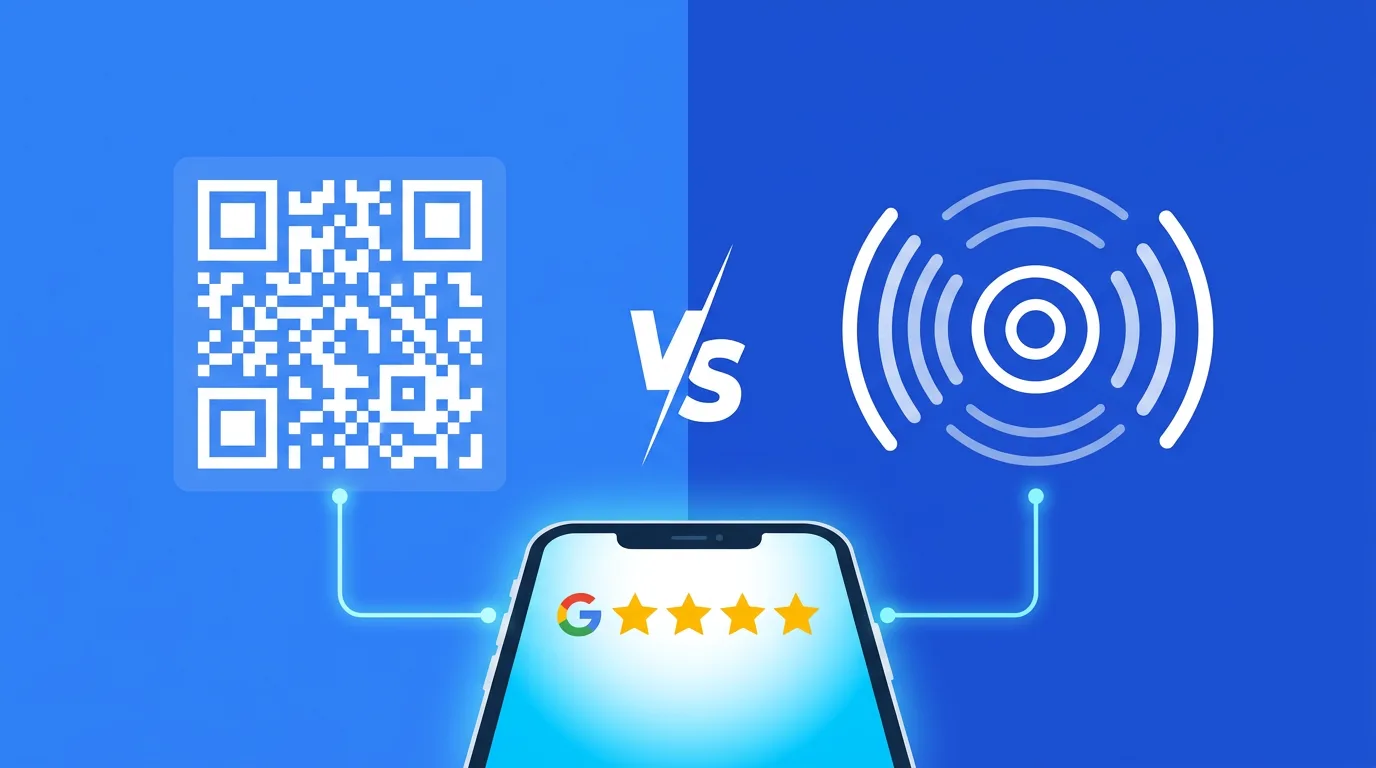
- QR code: Create a QR code that points to this link
- Email: Include it in your customer follow-up emails
- NFC plate: Program an NFC plate with this link for instant access
- Social media: Share it on your social channels
- Website: Add a "Leave us a review" button
The simplest solution: NFC plates
Google review NFC plates are the most effective way to collect reviews. Your customers simply hold their phone near the plate to go straight to your review page. No searching, no QR code to scan: it's instant!
With a MediaPush NFC plate, you can also:
- Customize the design with your business's colors
- Filter negative reviews before they are published (negative review filter option)
- Track scan statistics
Ready to collect more Google reviews?
Discover our Google review NFC plate — no subscription, made in France, delivered in 48h.
See the Google Review NFC Plate →Ready to boost your Google reviews?
Discover our NFC plates and start collecting more reviews today.
Discover the Google Reviews plate